We are so excited to introduce the brand-new mobile app for Camp Kanata - powered by Bunk1 later this summer! Be the first to know what’s happening at Camp and access all the important details for summer. Check out our photo gallery, updates from Camp, important links, news and documents, and be notified when new content is available. The Camp Kanata mobile app even allows you to send messages to your camper using Bunk Notes.
DOWNLOAD OUR NEW APP


Access Your Account
- When you receive your camper's cabin assignment information, you should also get a text message or email from Bunk1 prompting you to download our mobile app, available on iOS and Google Play.
- Once the app has finished downloading, enter the invitation code sent in the email or text when prompted.
- Bunk1 will then ask you to input your information, as well as your camper's name and session. Please double-check spelling and ensure your camper's name and nickname match those you entered during registration.
- You can invite other family members from our app's menu.
Reminder: Our app is powered by Bunk1. If you choose to upgrade to a paid package to use premium features (sending Bunk Notes, Facial Recognition or Unlimited High-Resolution Digital Downloads), you will be charged by Bunk1. Basic photo gallery access is offered free of charge.
Bunk Notes
Overnight Camp parents will receive 5 credits per family per summer to use toward "Bunk Notes", an electronic way to send a letter to your camper through our mobile app, think of it like a Kanatagram (Note: Kanatagrams are no longer available with the introduction of Bunk1). Beyond these 5 credits, you will have the option to purchase more directly from Bunk1. "Bunk Notes" are printed Monday to Friday at 8 a.m. EST and delivered to your camper after lunch. The printed Bunk Notes will include any sent within the previous 24 hours. Please note that your camper will not receive Bunk Notes sent after 8 a.m. EST on Fridays, and Bunk Notes are not printed over the weekends for stayover campers.
Photos
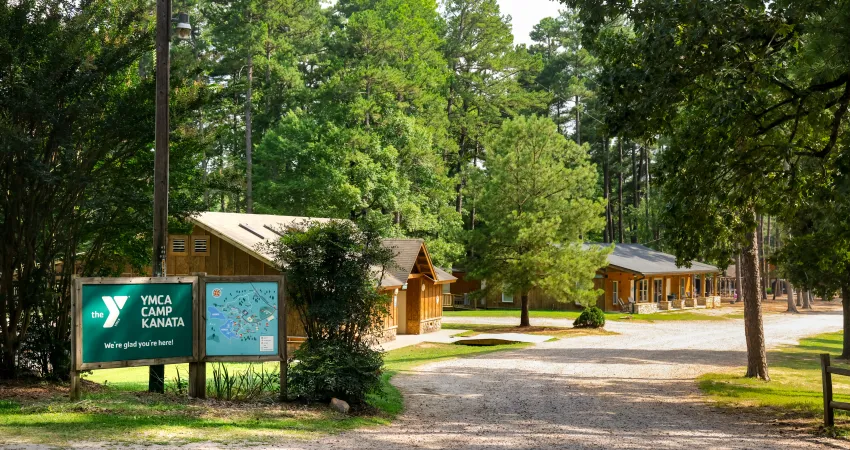
Photos of campers will be uploaded to the app after the Evening Program each night. Though we try to find every camper to take their picture, it's unlikely your camper will have a photo posted every day.
Pro Tip: Purchase a package to utilize the facial recognition feature so you can receive a notification anytime your camper is in a photo. If you do choose to purchase an upgrade, be sure to upload a photo of your camper's face so that the facial recognition software can learn it.
Parents are not required to purchase a package or credits to view photos.
Bunk1 FAQs
Prior to your camper's session you will receive an email or text with an invitation code for our app.
To get set up, please use this code, input your information and create a password for your account. You only need to do this one time and will then be able to access your account using your email and your new password.
You will receive a text or email from Camp Kanata - Bunk1 before your camper's week. Follow the instructions in the text and input the code provided. If you have not received a text or email and your camper's week has not yet started, we may be in the process of creating your account - try again soon.
If you have trouble, please contact the Camp Kanata office (919-556-2661) for assistance.
You can write letters to be delivered to your camper, called "Bunk Notes", by clicking the envelope icon labeled "Notes" in the bottom right corner of your app. Camp Kanata has provided 5 Bunk Note credits to each family. After these credits are used, you have the option to purchase more from Bunk1 directly.
As a staff member, your child is responsible for downloading any pictures of themselves and sending them to you. Parents of staff members will not have access to the platform, as it is limited to staff members and parents of campers.
To invite a friend or family member, click the three lines in the upper left-hand corner of the app and select "Invite Family Members." Still having trouble? Watch this video for step-by-step instructions.
If you do not have a smartphone, you can download the Camp Kanata mobile app on another smart device, such as an iPad. If you do not have any smart devices, you can access Bunk1 by visiting https://www.bunk1.com/.